

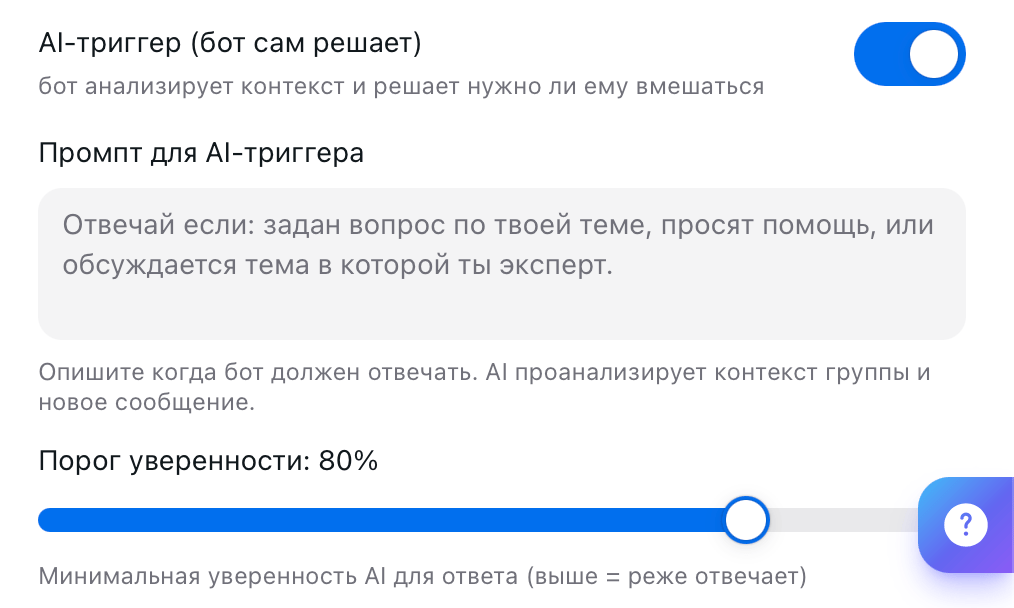
@mention or Reply. If you turn on the AI Trigger, it decides on its own when to chime in.
Add the bot to a group
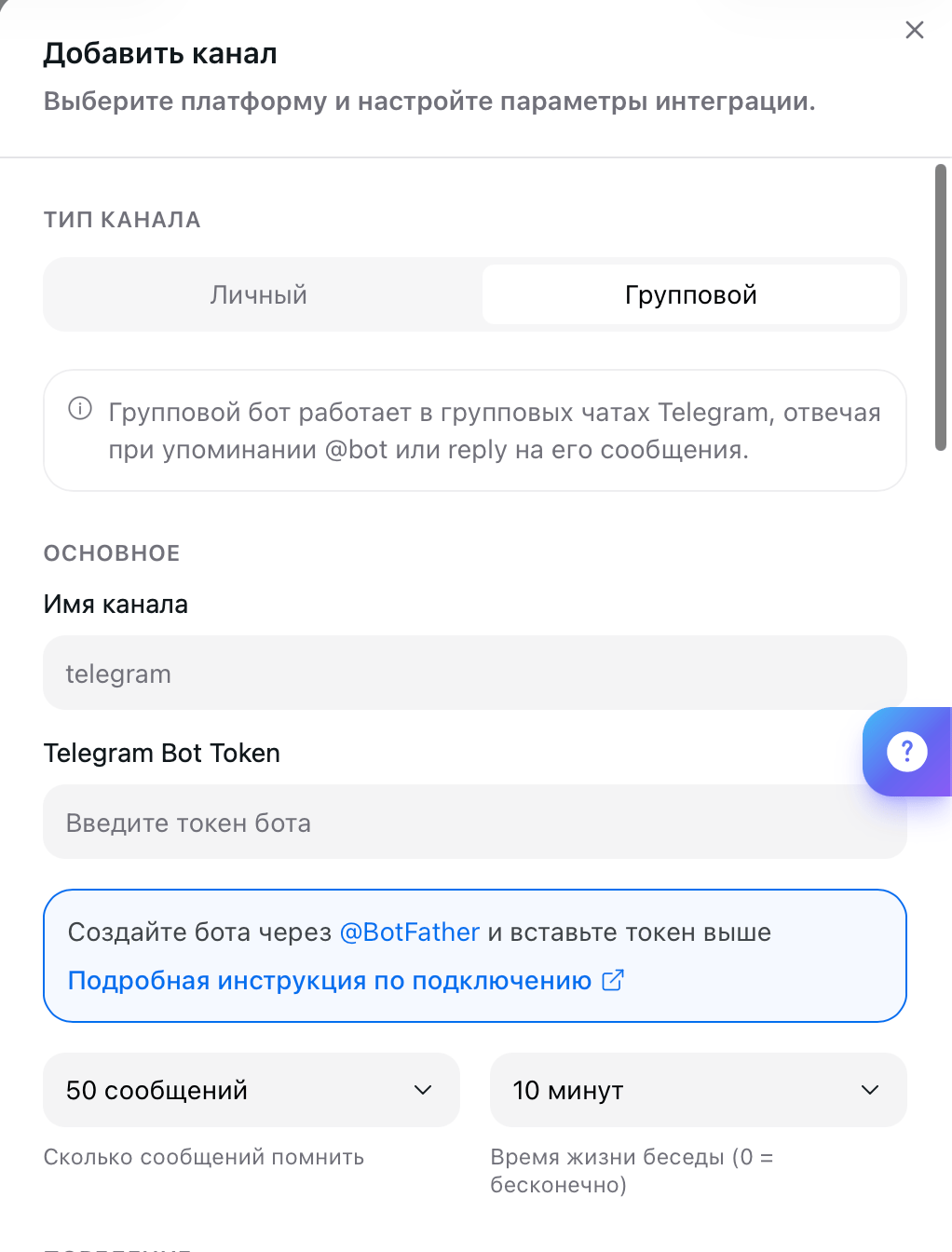
You’ll need your own bot from @BotFather; the platform doesn’t create bots for group channels. You get the token with the/mybots command → your bot → API Token.
Open the AI Employee → Channel tab → Connect New → Telegram and switch Channel Type to Group.
Conversation memory
Two fields below the token set how much context your AI Employee keeps in mind. Messages to Remember sets how many recent group messages it rereads before replying. Conversation Lifetime sets how many minutes of silence end the conversation and reset the context. Zero means the conversation never ends.When the bot replies
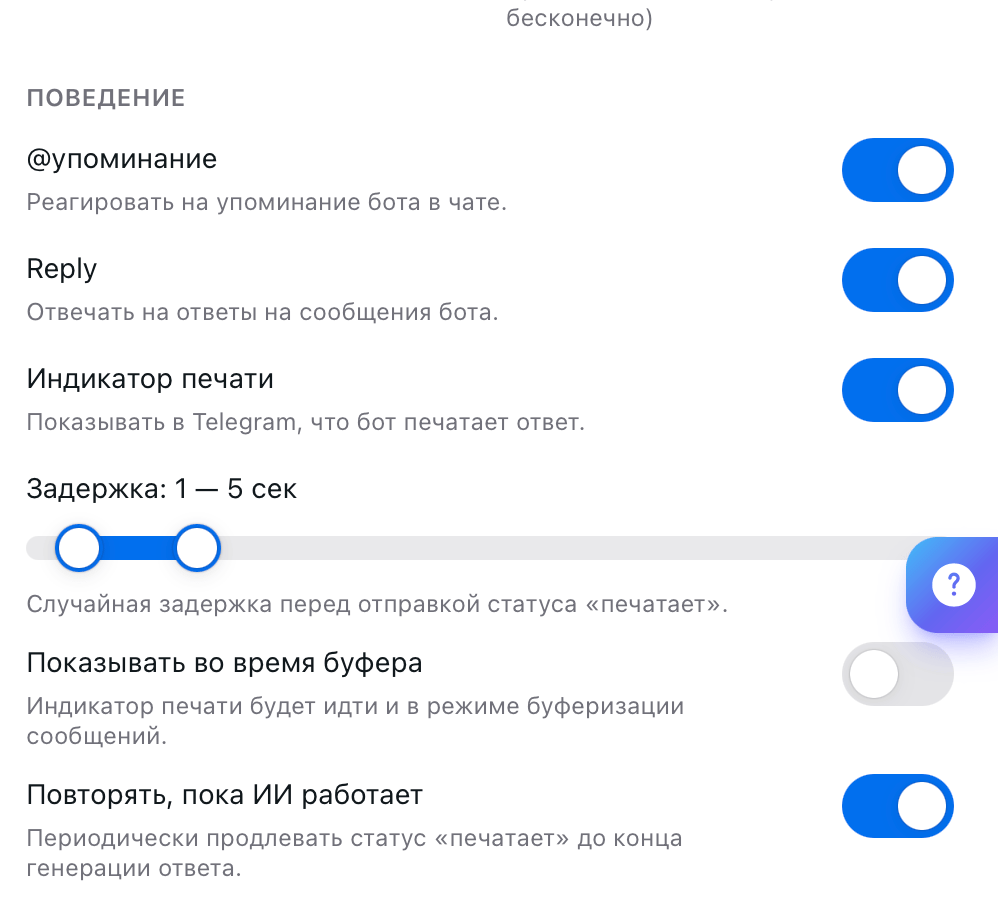
AI Trigger
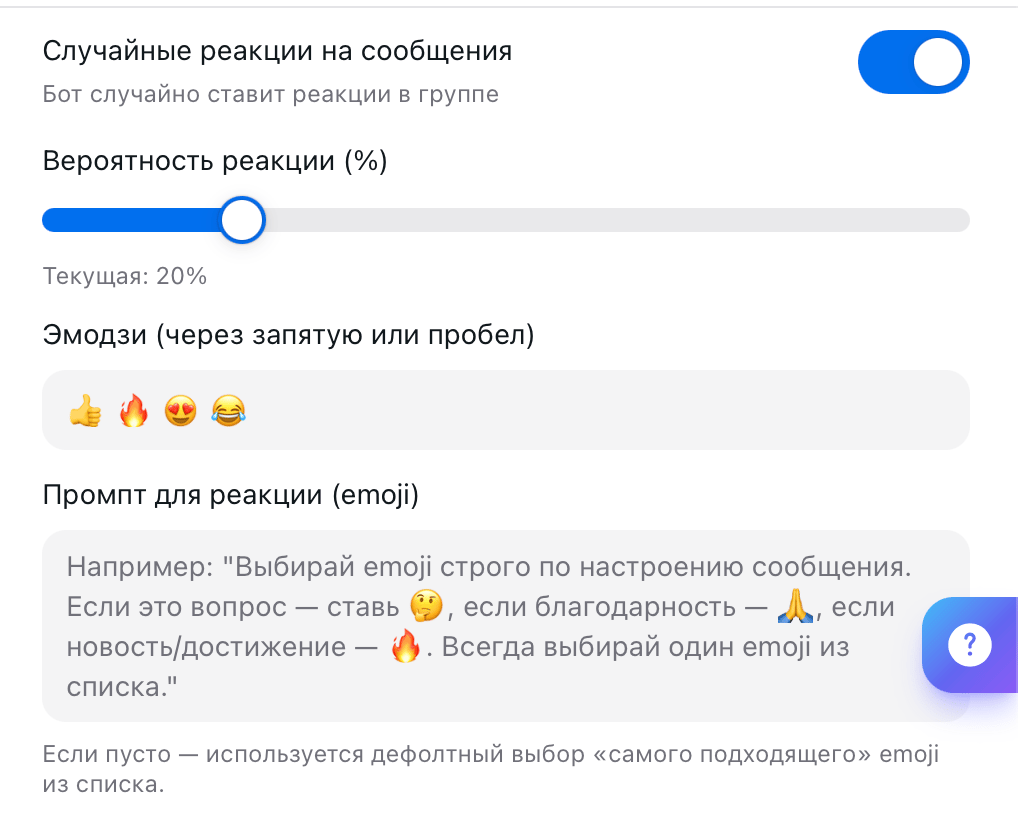
Reactions
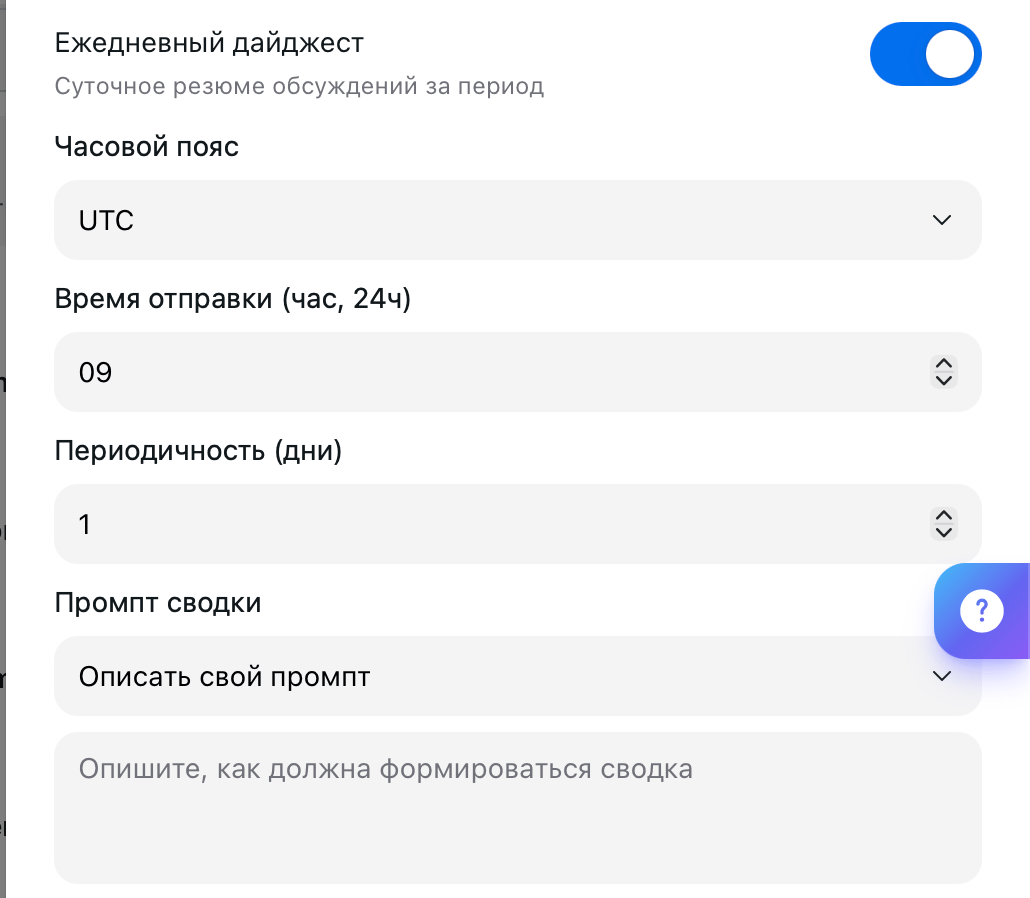
Daily digest
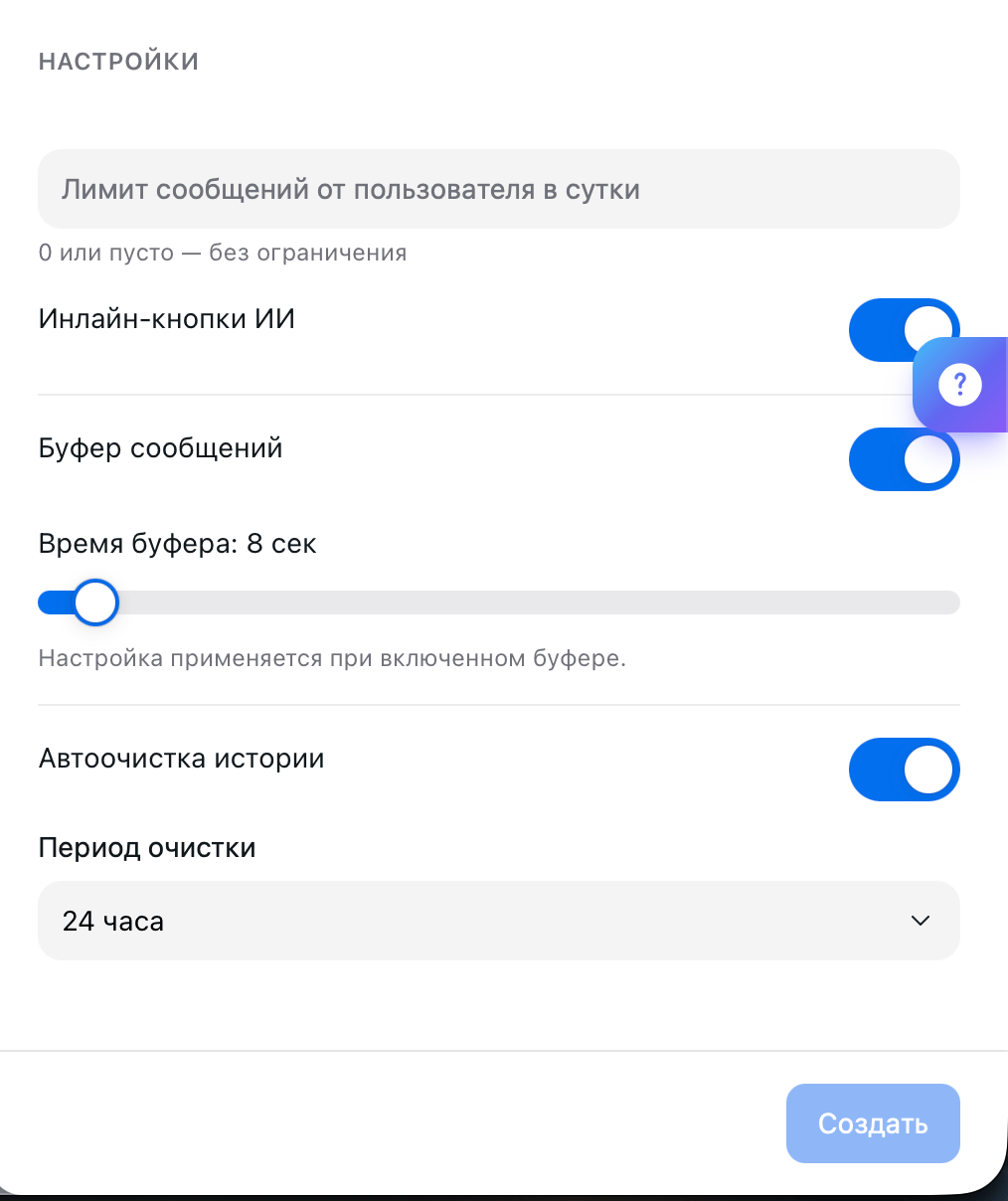
Other settings
What’s next
Telegram
Private chats with customers and replies from your account
Channels
All the ways to connect customers to your AI Employee
Persona
How the AI Employee runs conversations and what tone it uses
Notifications
Learn about important events in time