

Core abilities
Settings → Abilities. The top three abilities can be toggled; the rest are always on.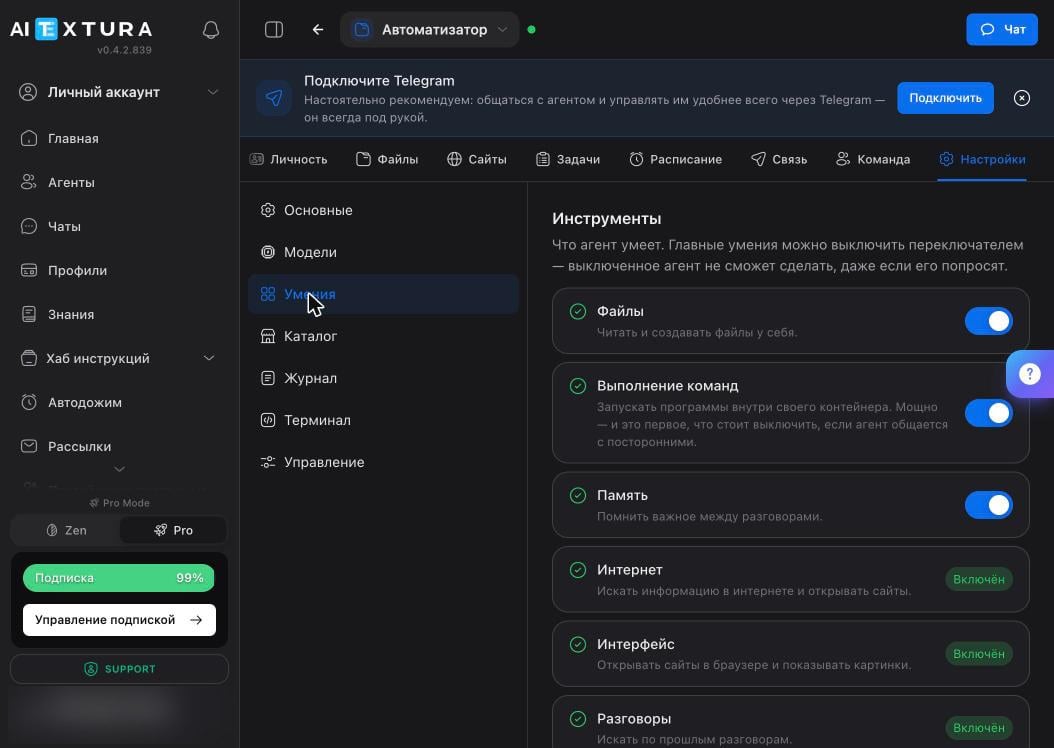
Installed skills
Further down the same tab is the list of skills. A new agent comes with several dozen. A skill is an instruction file: the agent reads it and learns something new.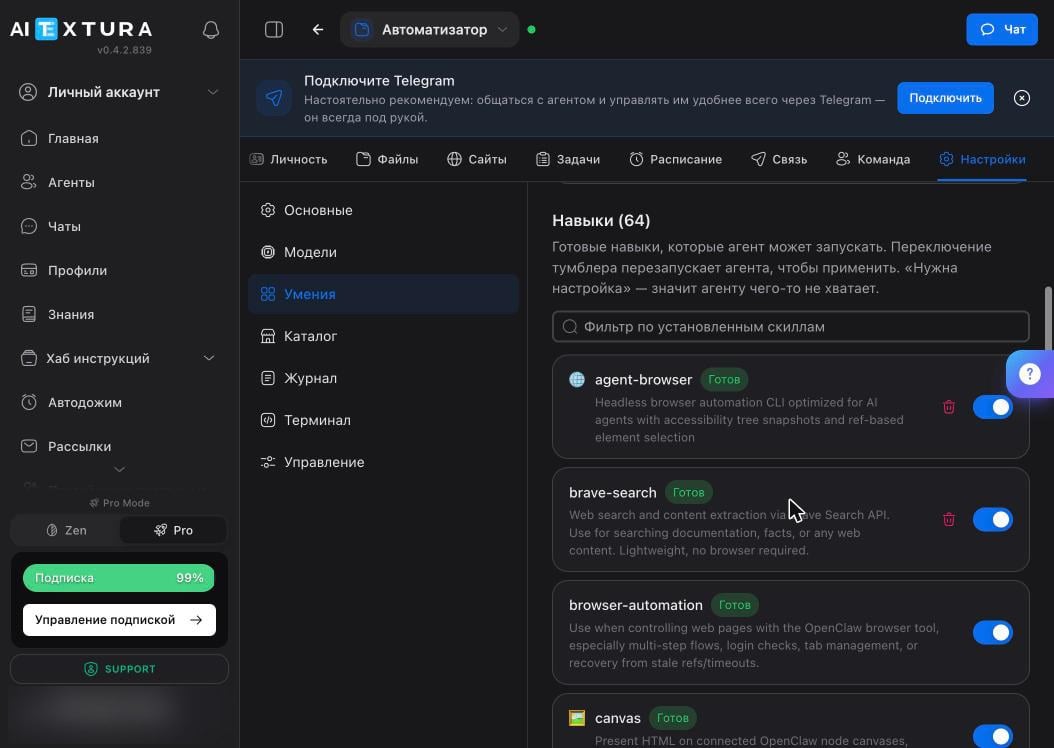
Toggling a skill restarts the agent: chats and scheduled tasks pause for about a minute.
Catalog
Settings → Catalog has new skills and plugins. There’s a Skills / Plugins switch, a category filter, and Top and Trending collections.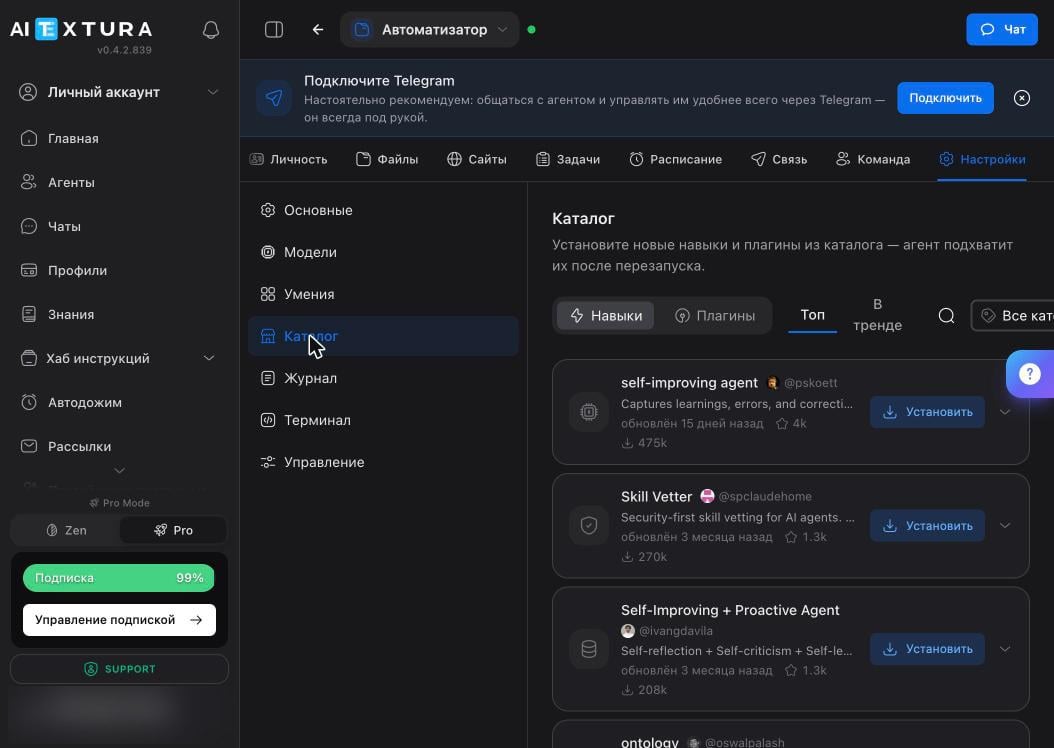
FAQ
The skill is installed, but the agent doesn't use it
The skill is installed, but the agent doesn't use it
Tell it directly: “use skill such-and-such.” The agent picks its tools on its own and doesn’t always guess right. If it says it’s missing data, check the status: Setup Required means some access is missing.
The agent stopped responding after I installed a skill
The agent stopped responding after I installed a skill
It’s restarting, so wait half a minute. If it doesn’t come back, turn off the new skill and run Diagnostics in Maintenance.
How do I know a skill is safe?
How do I know a skill is safe?
There’s no full guarantee. Look at the author, install count, and update date. You can also open the file itself on the Files tab and read it: it’s plain text. Anything that asks to send data outside is a reason to pass.
The agent refused to install a skill on its own
The agent refused to install a skill on its own
That happens: it may find a skill suspicious and tell you so. That’s a good sign, but don’t rely on this check. The decision is still yours.
How are skills different from AI Employee talents?
How are skills different from AI Employee talents?
They’re similar in purpose: both extend what can be done. But talents connect an AI Employee to your external systems and are configured at the AI Employee level, while skills live inside a specific agent’s container.
What’s next
Security and Access
Five rules that prevent most of the pain
Models
What the agent thinks with
Files
Where skills physically live
Maintenance
What to do if a skill broke everything