

Create a job
Open the Schedule tab. For a new agent, the list is empty and the creation form is right below it.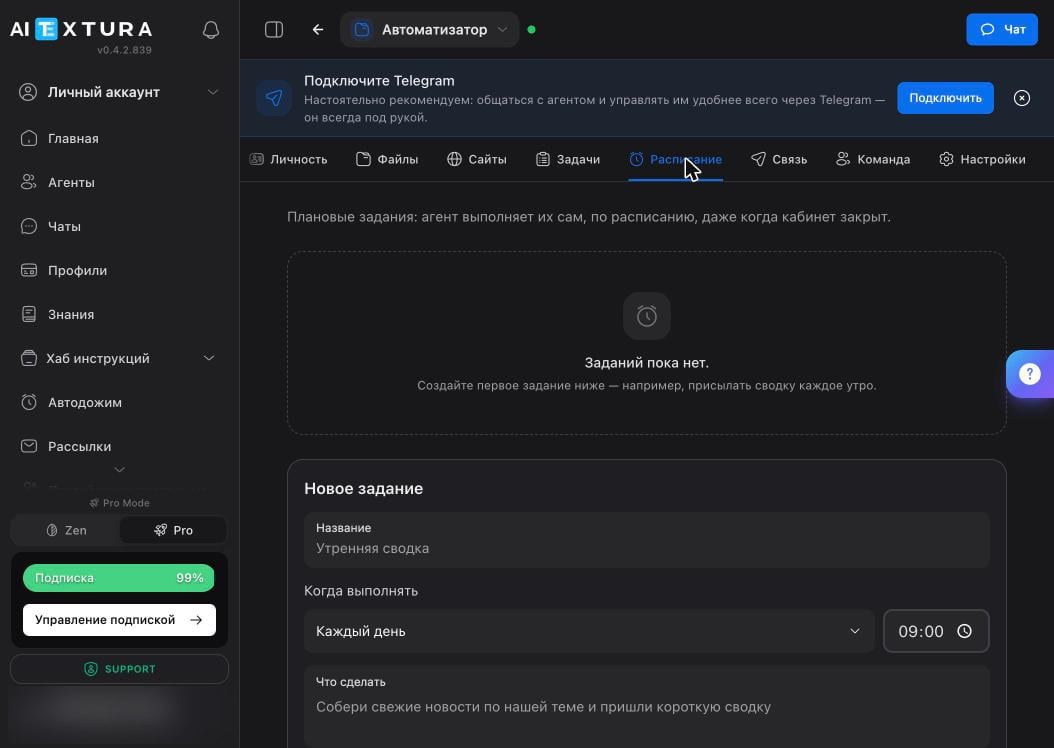
The What to do field matters most. Write it the way you’d write a task in chat: “Gather the latest news on our topic and send a short summary — five points, one line each.”
Frequency
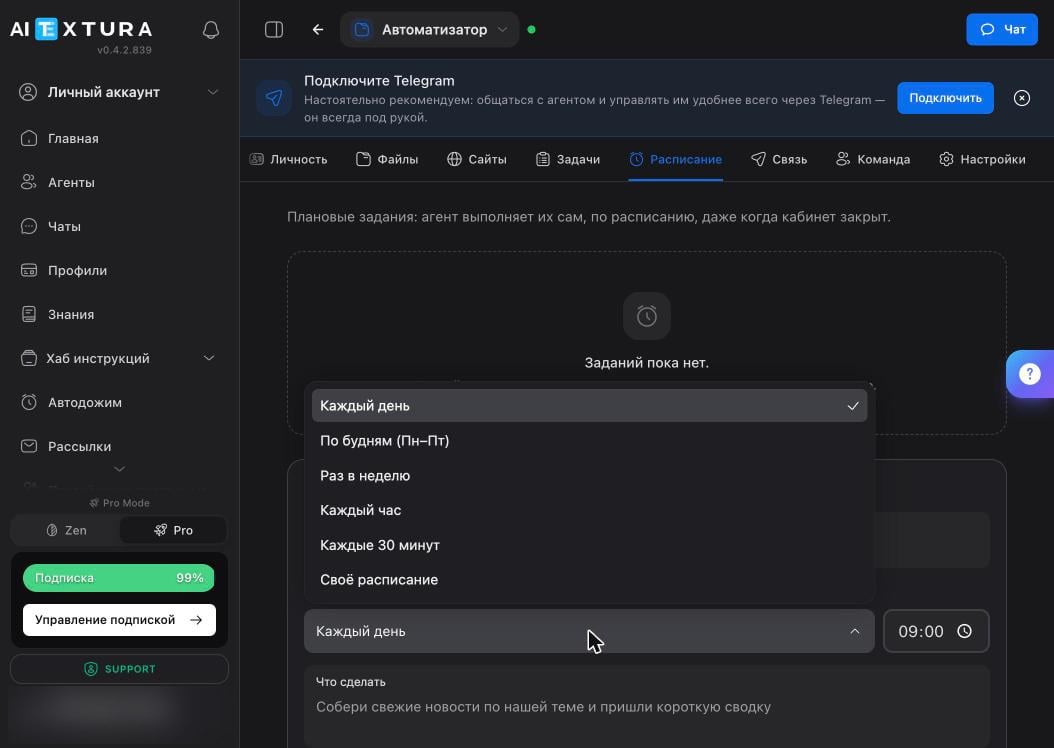
Your first three jobs
A common starting point.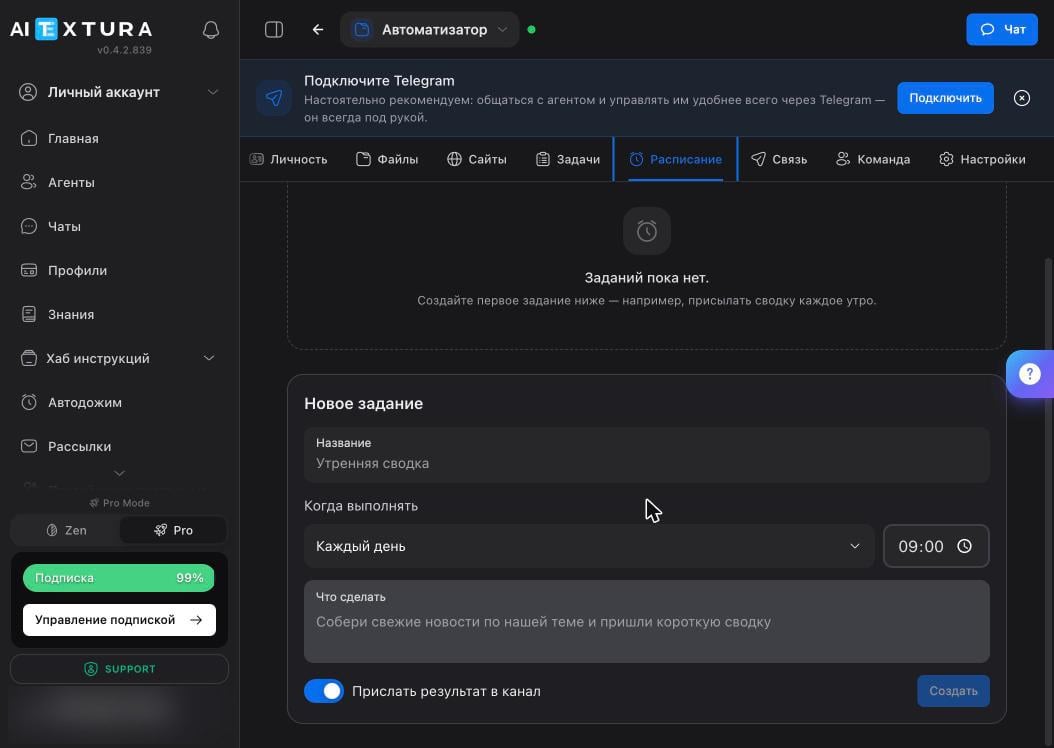
Verify
Scheduled jobs are where the agent can go quiet without you noticing: a job stops running, and since you don’t expect messages every day anyway, you miss it.- After creating a job, set it to run soon and watch the first run happen live.
- Once a week, check that everything that should arrive is arriving.
- If it’s silent, open the Log — it shows whether the job ran and where it failed.
FAQ
“Couldn't load jobs”
“Couldn't load jobs”
This usually means the container is restarting — for example, you just enabled the task board or toggled a skill. Wait 20–30 seconds and click Retry.
A job didn't run, and the agent didn't say anything
A job didn't run, and the agent didn't say anything
It won’t: the agent stays silent about failed background jobs. Check the Log and, if the container restarted, run Diagnostics. For critical jobs, make a habit of checking results against the calendar.
Results arrive in the Agent Workspace instead of Telegram
Results arrive in the Agent Workspace instead of Telegram
Check the Send result to channel toggle in the job, and make sure the channel itself is connected on the Connect tab.
The summary arrives at the wrong time
The summary arrives at the wrong time
The agent calculates time using your time zone. If it doesn’t know it or has it wrong, fix the About You document on the Personality tab.
How many jobs can I create?
How many jobs can I create?
The interface doesn’t limit the number of jobs, but every run spends your model budget. Monitoring every 30 minutes costs noticeably more than a daily summary — keep that in mind when you set things up.
What’s next
Tasks
One-off tasks on the board
Connect
Where job results are delivered
Maintenance
Log, diagnostics, and restart
Models
What the agent thinks with and what it costs